Back to Learning Center
Marketplace Profile
Create an online profile with Glamiti to expand your reach and allow customers to book appointments seamlessly. Integrating your profile with your website and social media pages enhances your online presence and attracts more clients.
Getting Started
Before listing your business, ensure you have:
Completed Stripe registration for payment processing.
Added or imported professionals and services to your merchant platform.
Step-by-Step Setup
Overview
Navigate to Marketplace and click Get Started.
Review merchant fees and transaction details, then proceed.
Business Information
Basic Info:
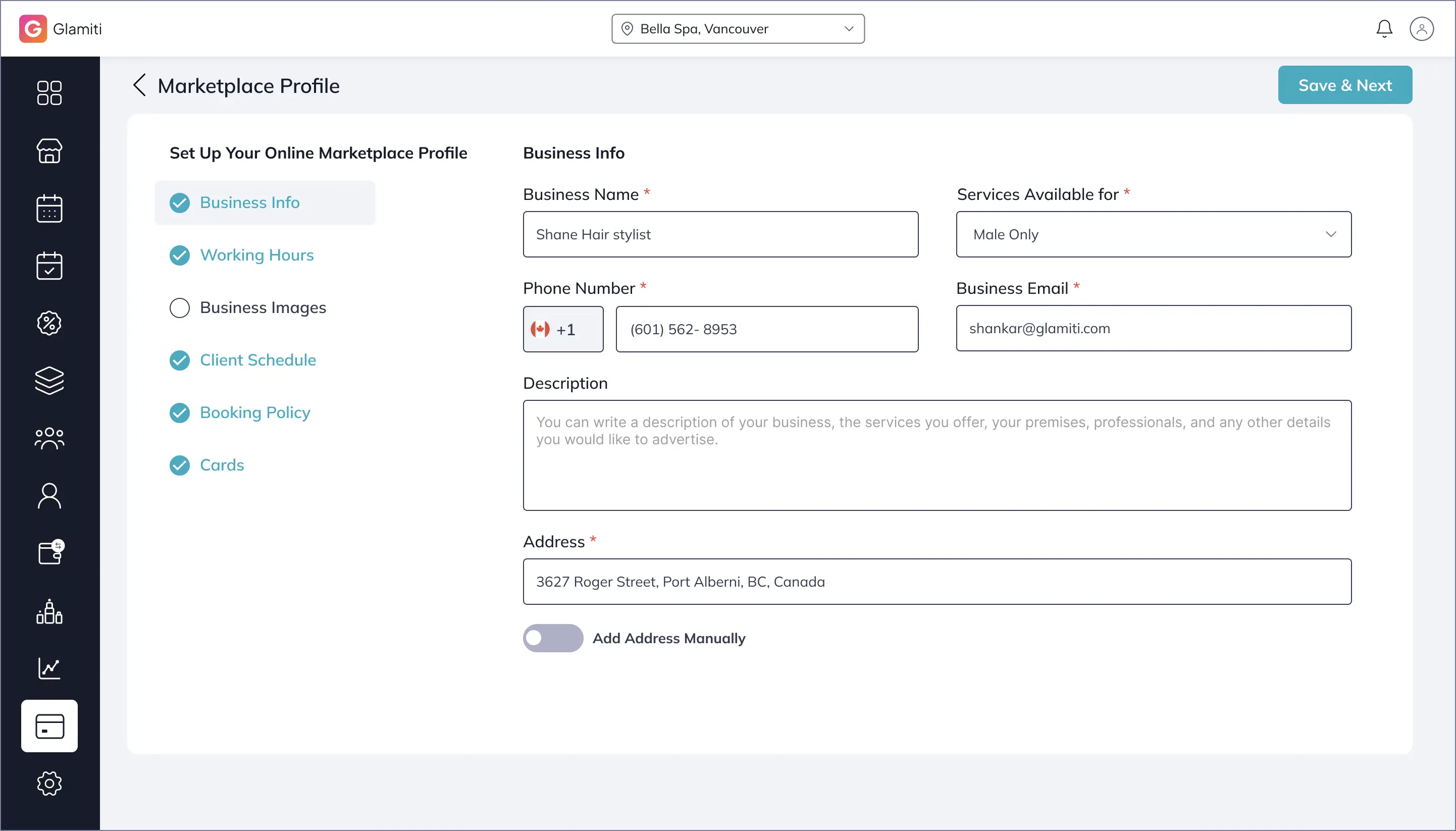
Enter your business name, description, and services.
Location:
Use the search bar (Google suggestions available) or manually input your address.
Business Hours:
Set your available hours for online bookings.
Upload Photos:
Upload photos to enhance your profile.
Building Preferences
Reschedule & Cancellation Settings:
Customize the timeframe for modifications.
Time Slots:
Adjust gaps between appointments.
4. Booking Policy (Choose one to secure bookings)
Cancellation Policy:
Require a credit card for booking; charge for late cancellations or no-shows.
Upfront Payment Policy:
Accept full or partial payments before confirming bookings.
Pay at Store:
Clients pay in person at their appointment.
Note:
Using either the Cancellation or Upfront Payment Policy helps reduce last-minute cancellations.
5. Finalizing & Publishing
Once setup is complete, click Publish to list your business online.
Removing Your Profile
To unlist your business:
1
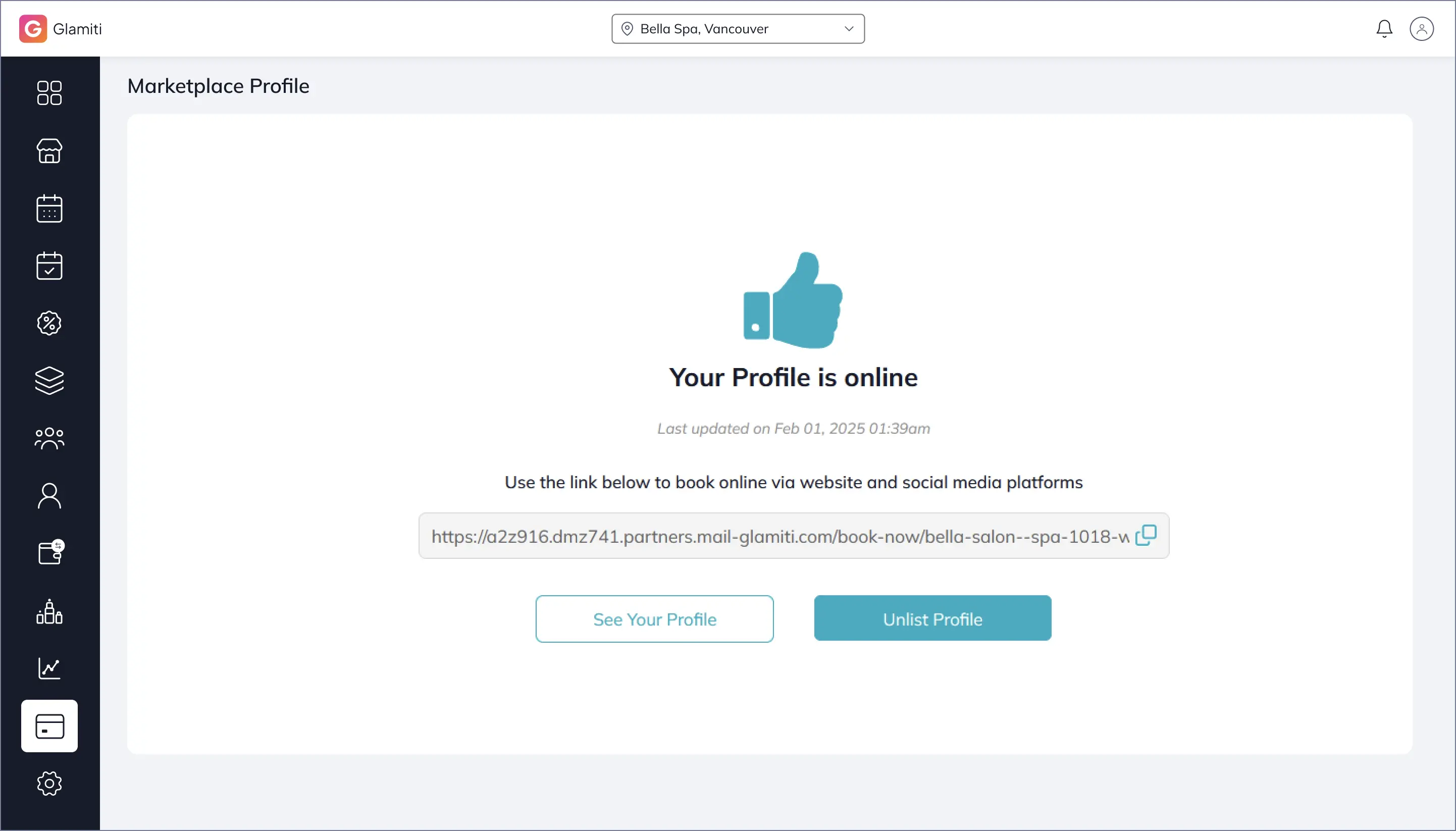
Go to your Marketplace Profile page.
2
Click Un-list Profile and confirm.
3
Your business will no longer be visible or receive online bookings